Software Cost Reduction and Improved Patch Security through Application Estate Optimisation
Most enterprises are paying to licence, manage and patch software that nobody is using.
In this webinar, Mark Churly, Head of Software and Solutions at APPtechnology, and Ben Cook, senior product specialist at ManagementStudio, explain how application estate optimisation cuts software costs and improves patch security, including a live demonstration of the ManagementStudio platform.
We've summarised the key questions and answers from the session below. If you want the full detail, including the live product walkthrough, press play on the recording below and after about 27 minutes you'll have the complete picture. Otherwise, read on for the highlights.
TL;DR: Key takeaways
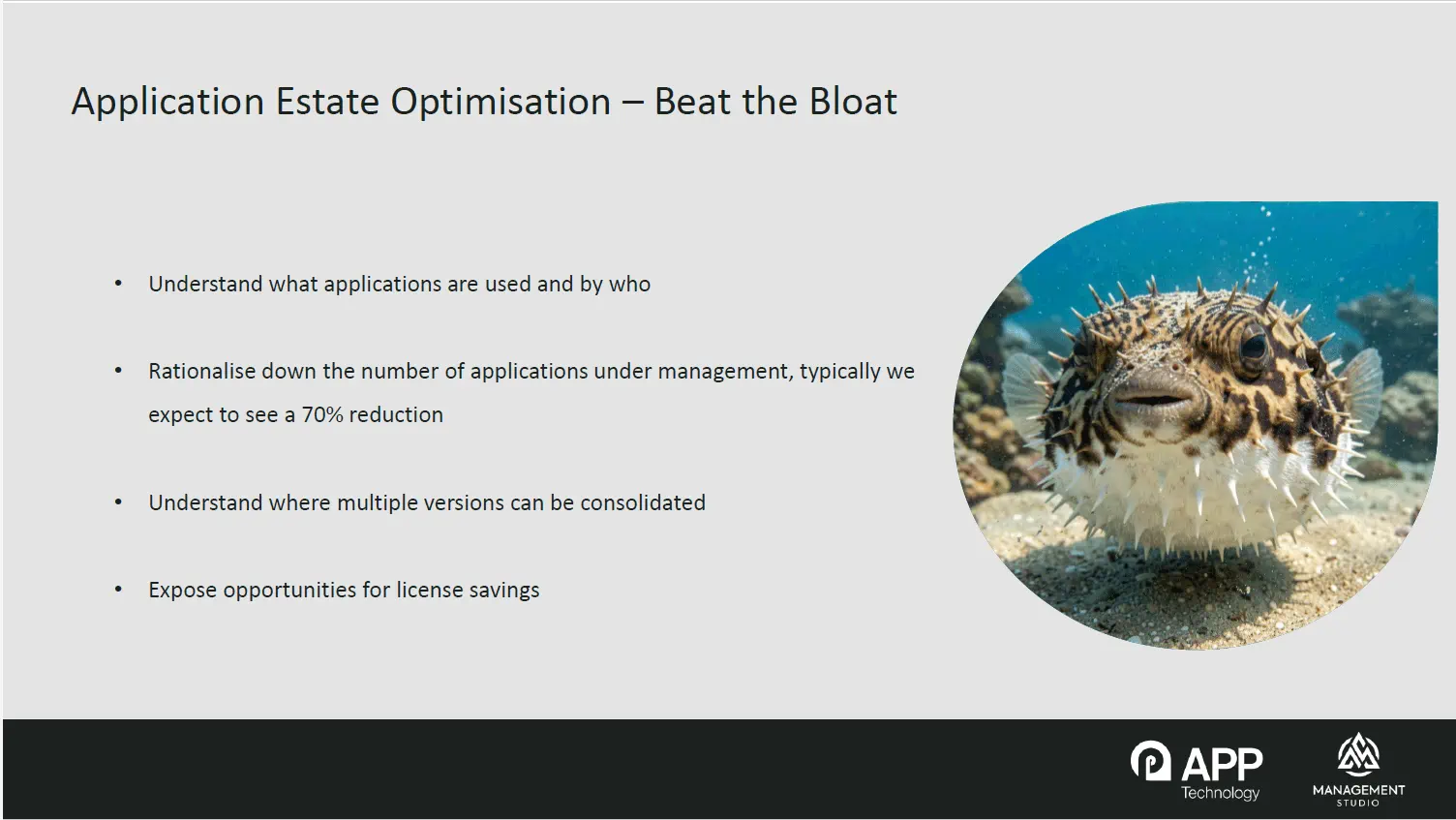
- Most enterprises have far more applications installed than anyone realises, and organisations typically see around a 70% reduction in application count once the estate is normalised and rationalised.
- ManagementStudio builds a live, decision-ready view of the estate using daily feeds from tools you already run, including SCCM, Intune, Active Directory, Entra and ServiceNow, with no new agent on any endpoint.
- The Asset Confidence Engine (ACE) automates the clean-up of inconsistent vendor names and version numbers, and recommends version consolidations based on anonymised decisions made by other customers.
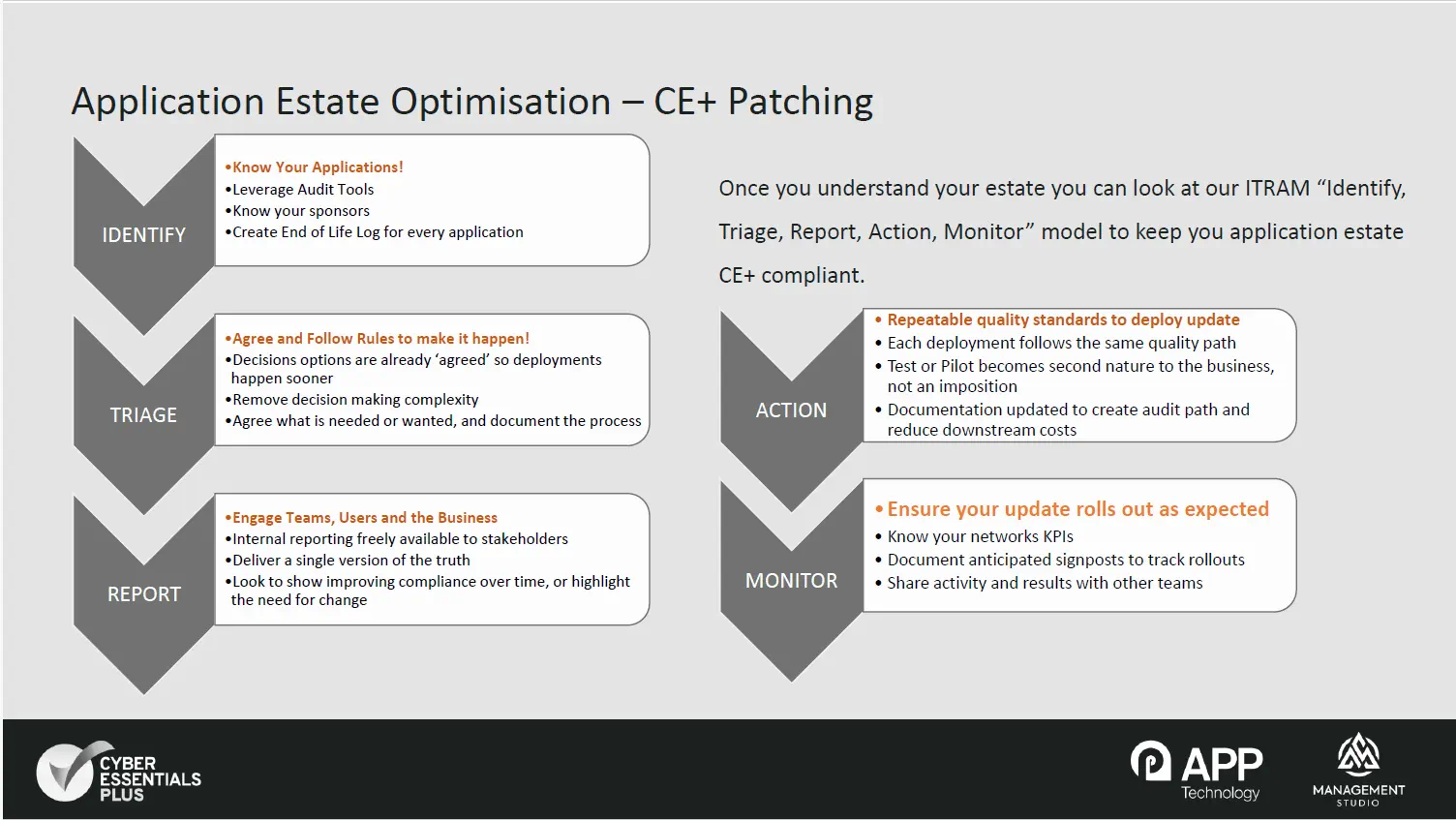
- Fewer applications means fewer patching targets, which directly supports Cyber Essentials Plus compliance through APPtechnology's ITRAM model: Identify, Triage, Report, Action, Monitor.
- The next webinar in the series covers application estate optimisation during mergers and acquisitions, on Wednesday 29th July 2026 at 11am BST.
What is application estate optimisation?
Application estate optimisation is the process of discovering, cleaning up and rationalising every piece of software running across an organisation's devices, so that IT teams only manage what is actually being used.
Why do most organisations struggle to understand their application estate?
There are four specific challenges that stall most estate management projects before they deliver any value. First, simply knowing what is out there: most enterprises have far more applications installed than anyone realises. Second, distinguishing what is actually being used from what is just sitting there, consuming licences and creating risk. Third, making sense of confusing inventory data: different tools report the same applications in different ways, sometimes with multiple returns, making it very hard to reach a single source of truth. Fourth, dealing with the long tail of multiple versions of the same product scattered across departments, with no clear path to consolidation.
How does ManagementStudio build a clear picture of what software is actually installed?
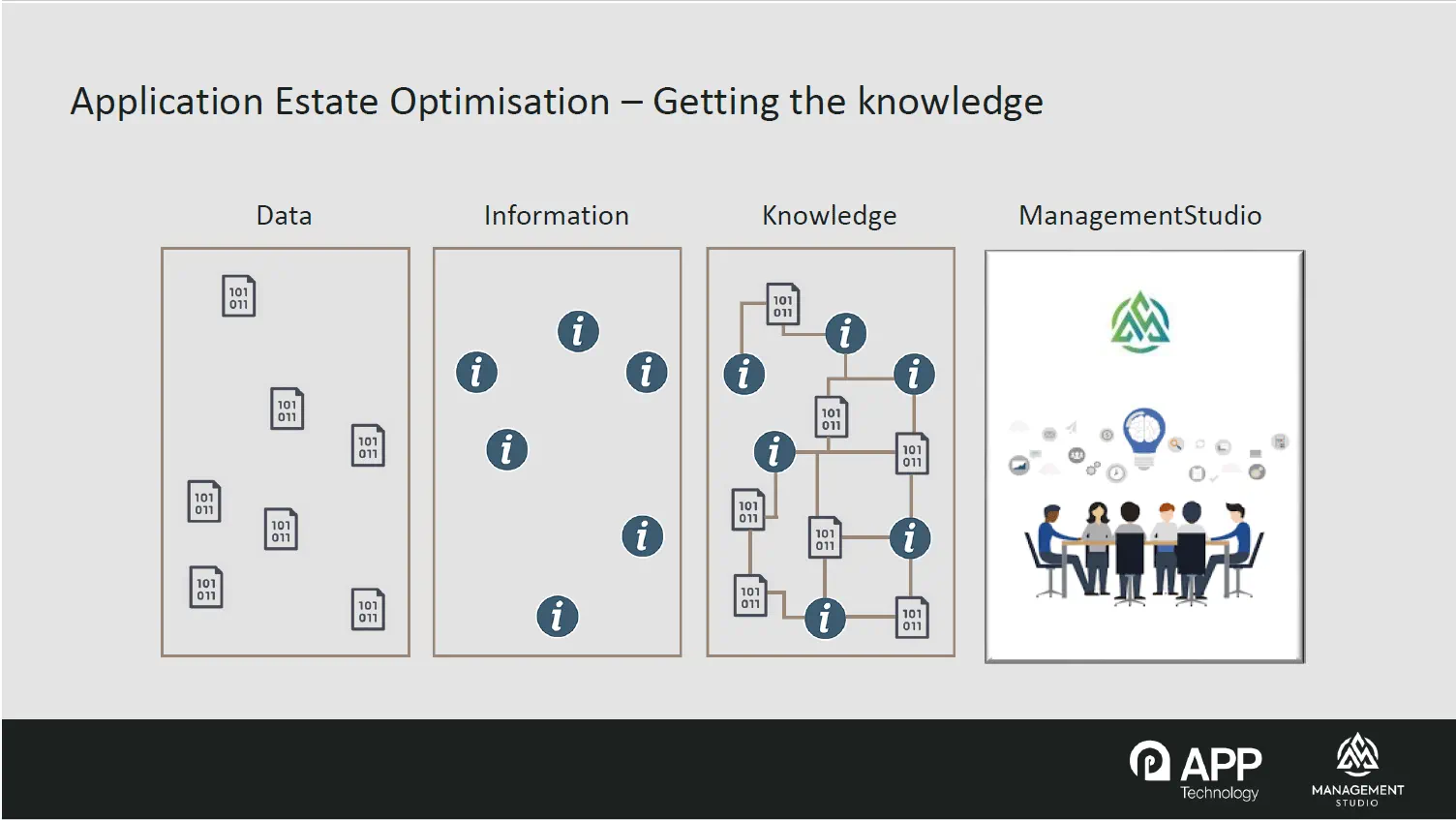
Rather than requiring a new agent on every endpoint, ManagementStudio connects directly to data sources that organisations already run, including SCCM, Intune, Active Directory, Entra and ServiceNow. It can also import application data held in spreadsheets, either as a one-off upload or on an ongoing scheduled basis. These connectors pull in daily feeds covering not just what is installed, but who is using each application, on which devices, and when it was last opened. That combination turns scattered, disconnected records into a single, decision-ready view of the estate.
What is the difference between "accepted" and "pending" applications?
Within ManagementStudio, applications sit in one of two areas. Accepted applications are those that someone in the organisation has already reviewed and confirmed are legitimately in scope. Pending applications are newly discovered items sitting in a triage area, waiting to be reviewed, categorised and either accepted or rejected. This triage step matters for security as well as cost control: it is often the fastest way to spot software that has appeared in the estate without proper authorisation.
Why do software inventories get so messy, and how is that fixed?
Vendors are inconsistent in how they label their own products. The same piece of software might appear under several different vendor names or spellings depending on which machine it was installed from or which tool reported it. Version numbers cause similar headaches, often mixing letters and symbols in ways that make it impossible to compare one version against another.
This is solved through a normalisation process, handled largely by an automation layer called the Asset Confidence Engine (ACE). ACE holds a database of consistent names, suggests corrections for vendor and application naming, converts version identifiers into pure numeric values so they can be compared and sorted, and can group applications into categories. In the demonstration, inconsistent vendor naming across a set of Adobe Reader and Acrobat Reader entries was cleaned up and standardised within a few clicks, a task that is normally done manually and takes far longer. In practice, normalisation is usually set up as a scheduled job that runs daily, straight after the connectors, so data is clean almost as soon as it enters the system.
What does "rationalisation" mean, and why is it the biggest opportunity for cost savings?
Rationalisation is the process of consolidating every scattered version of an application down to a single, currently supported version. This matters because different departments frequently procure the same software independently over time, ending up with several editions of products like AutoCAD or Adobe Reader spread across the business, each one needing to be tracked, licenced and patched separately.
ManagementStudio uses confidence ratings built from anonymised decisions made by other organisations using the platform. If 90% of customers have chosen to roll a given application up to its latest version, that 90% confidence rating is surfaced automatically. Crucially, when applications are rationalised, all of the users linked to the older versions are automatically rolled forward to the surviving version. In the demonstration, an application record grew from around 1,700 linked users to 3,000 as earlier versions were consolidated into it, so the team knew exactly who would need the new release before any rollout began. Organisations typically see around a 70% reduction in total application count by the time this process is complete.
Can this process be automated so it does not become a recurring manual task?
Yes. While the demonstration showed rationalisation being approved manually for clarity, common applications such as Chrome and Edge are frequently set up to auto-rationalise to their latest version on a daily basis, with no human intervention required. The data connectors also keep running continuously after the initial clean-up, so new versions, new users and newly discovered applications are picked up automatically rather than requiring a fresh audit every few months.
How does this connect to patch compliance and Cyber Essentials Plus?
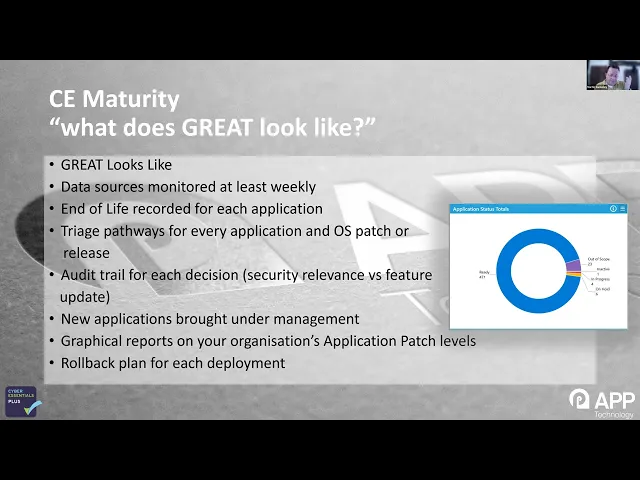
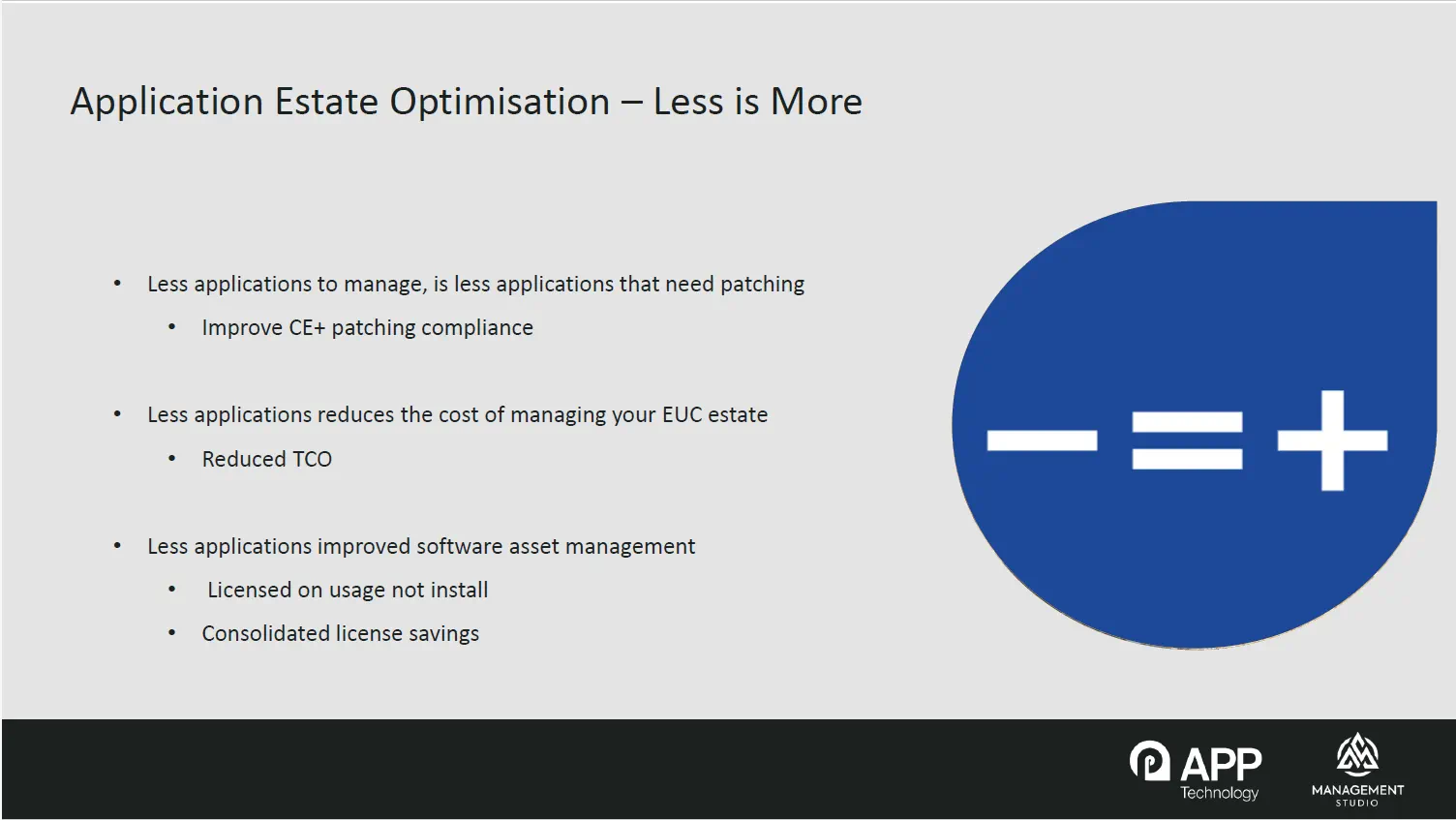
Fewer applications in an estate directly means fewer applications that need patching, which is one of the clearest levers for improving Cyber Essentials Plus compliance. APPtechnology frames this using its ITRAM model, standing for Identify, Triage, Report, Action and Monitor, which gives organisations a repeatable cycle for estate management rather than a one-off project.
ManagementStudio supports each stage directly: identification through automated discovery, triage through configurable application workflows that capture entry points, ownership and end-of-life processes, reporting through live dashboards and ownership surveys, action through automated approval and deployment processes with full audit points and change control, and monitoring through the same pending queue that flags unauthorised software as soon as it appears in the estate.
If you would like a copy of APPtechnology's ITRAM checklist, contact me (Mark Churly at APPtechnology) via our Contact page and I'll be happy to share it. You can also read more about our Cyber Essentials Plus application monitoring and packaging services or watch our earlier webinar on Cyber Essentials Plus compliant applications.
What is the application owner survey, and why does it matter?
One of the more time-saving features shown in the demonstration is an optional plug-in that automatically emails designated application owners on a configurable schedule, commonly every six months, asking them to confirm they are still responsible for a given piece of software. Owners can update details such as licensing changes, alternative names, warranty dates and end-of-life dates directly through a web portal, or flag that they are no longer the owner. Because the platform draws on application metadata from across its customer base, it can even alert an owner that a newer version exists: in the demonstration, an application running a 2020 release was flagged with a 2026 version available, with a link to raise an upgrade request. This removes the need for IT teams to chase down ownership information manually, which is often one of the most neglected parts of estate management.
Can auto-deployment reduce the effort involved in rolling out software changes?
Yes. Because the same connectors that pull data from Intune, Active Directory and SCCM can also push data back into those systems, ManagementStudio can automatically deploy applications to the right groups of users, for example adding people to the correct application groups on the migration date of a transformation project. This removes manual deployment steps, reduces the chance of errors, and speeds up delivery timelines for larger projects.
Does this work across multiple domains or networks?
Yes. ManagementStudio can consolidate data from many separate infrastructures into a single instance. One current customer is running the platform across around 20 different domains, bringing separate networks together into one consolidated view. That capability is particularly relevant during mergers and acquisitions, which is the focus of the next webinar in this series.
What should I watch for in the full recording?
The webinar includes a full live walkthrough of the ManagementStudio interface, showing real examples of normalisation, rationalisation, the application owner survey and the pending applications triage queue. Watch the recording embedded above for the complete demonstration.
If you would like to see this applied to your own environment, APPtechnology offers a free estate assessment. Get in touch to arrange one.
APPtechnology and ManagementStudio are running a series of four webinars this summer. The next session, focused on application estate optimisation during mergers and acquisitions, takes place on Wednesday 29th July 2026 at 11am BST.