Infrastructure Consolidation: Creating a Single View Across Complex IT Estates

Most large organisations don't have a shortage of IT estate data. They have an abundance of it, fragmented across SCCM, Intune, multiple Active Directory environments, Entra ID, HR and identity systems, asset management tools, CMDBs and network platforms. In this webinar, Mark Churly, Client Director at APPtechnology, and Ben Cook, senior product specialist at ManagementStudio, explain how to consolidate all of that fragmented data into a single pane of glass view, including a live demonstration of the ManagementStudio platform.
We've summarised the key questions and answers from the session below. For the full detail, including the live product walkthrough, press play on the recording below. Otherwise, read on for the highlights.
TL;DR: Key takeaways
- Estate data usually already exists, but it is trapped in isolated portals, one-off Excel exports and disconnected systems, leaving IT teams with multiple sources of truth and no real visibility.
- ManagementStudio consolidates devices, users, applications, SharePoint sites and Entra ID enterprise applications into one decision-ready view, using native connectors, a remote agent toolkit, CSV imports, surveys and PowerShell APIs.
- Context is what makes the data valuable: pivoting by department, location, network or domain surfaces outliers such as zero-user SharePoint sites, expiring enterprise app certificates and stale ownership.
- The Asset Confidence Engine (ACE AI) automates application naming clean-up and recommends version consolidations with confidence ratings built from anonymised customer decisions, then rolls users forward so you know exactly who needs what.
- The projection report turns that consolidated data into a week-by-week migration forecast, showing which applications to prepare first to get the most people ready soonest.
Why do organisations with plenty of data still lack visibility of their IT estates?
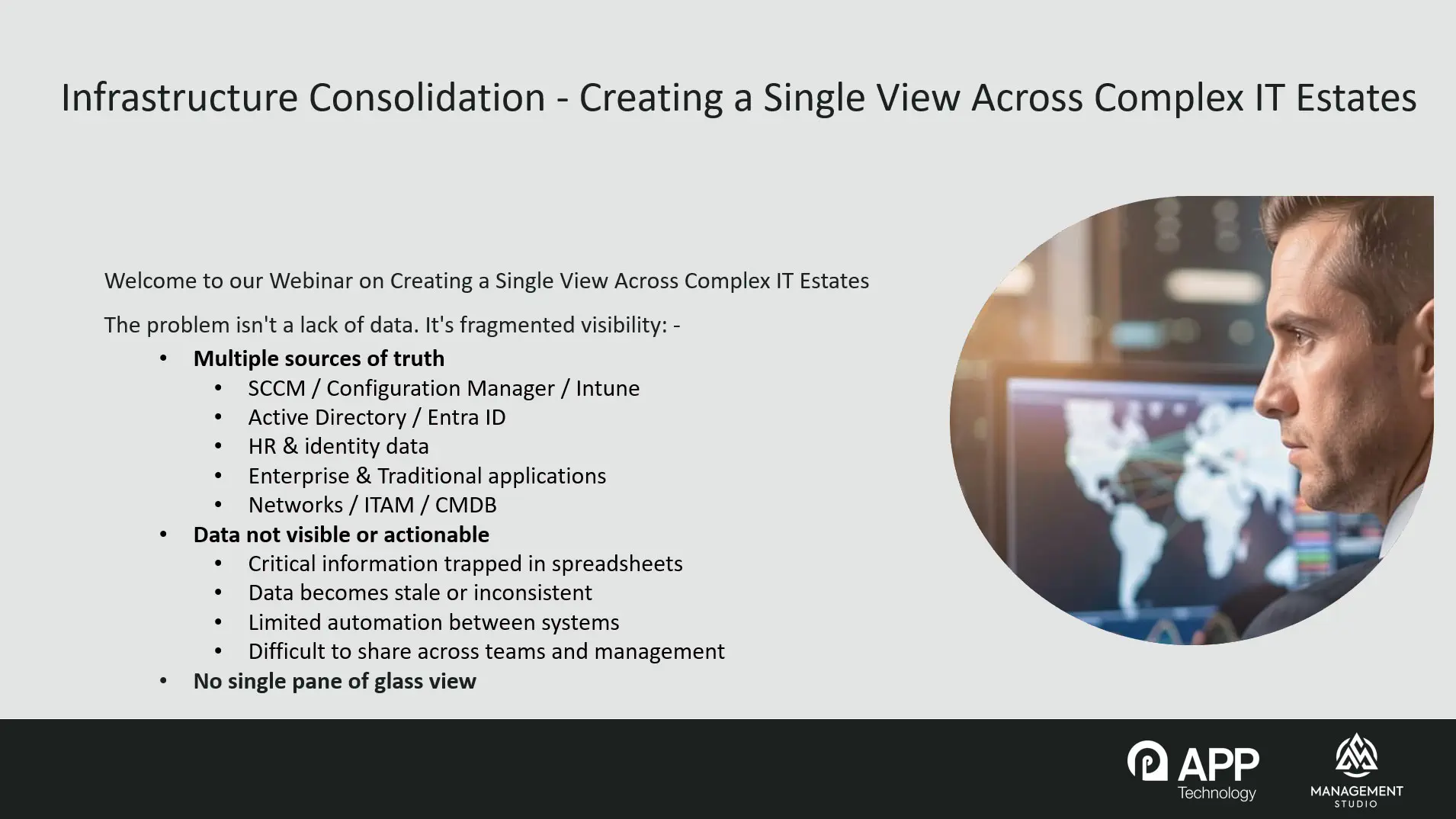
Because the data is fragmented. A typical enterprise holds estate information across endpoint management tools like SCCM and Intune (sometimes more than one instance of each), multiple Active Directory environments, Entra ID, HR and identity systems, IT asset management tools, CMDBs and network management platforms. The data exists, but it is not easy to use or act upon. Teams resort to manual one-off exports into Excel, critical information stays trapped in isolated portals, records that were correct on day one drift stale, and with limited integration between systems you end up with multiple competing sources of truth.
What is missing is a single pane of glass: one consolidated view that shows what you actually have, where it is, who is using it, who is responsible for it, and, most importantly, what actually needs attention.
Why is this problem worse after mergers and acquisitions?
Organisations that have grown through mergers and acquisitions accumulate parallel infrastructures, each with its own directories, endpoint tooling and conventions. One enterprise APPtechnology and ManagementStudio are currently working with holds all of these data types spread across more than 20 separate domains, all being consolidated into a single understandable data set. Bringing disparate sources into one view is what makes it possible to actually progress an infrastructure consolidation rather than drown in spreadsheets.
How does ManagementStudio bring all of this data together?
ManagementStudio discovers devices, users and applications along with usage data and rich context: a user record carries their location, department, Active Directory OU and other attributes, so you can pivot the data and answer questions like which applications the HR department in New York is actually using. It can also bring in SharePoint sites and Entra ID enterprise applications.
Data gets in through several routes:
- Native connectors for Entra ID, Intune, on-premises Active Directory, MECM/SCCM, SQL databases and REST APIs, with many more available. One ManagementStudio instance can even connect to another, which is useful in certain consolidation scenarios.
- The remote agent toolkit: a single executable running on a remote site that checks in with the main ManagementStudio instance over a fully encrypted connection, and can run connectors on that remote site while being configured centrally.
- CSV imports, run automatically on a schedule, triggered, or manually.
- Surveys, sent automatically with a predefined set of questions, useful for filling gaps in parts of the organisation that have no inventory tooling at all.
- PowerShell APIs for pulling in data from anywhere a native connector doesn't yet exist.
What can be done with enterprise applications and SharePoint data once it's consolidated?
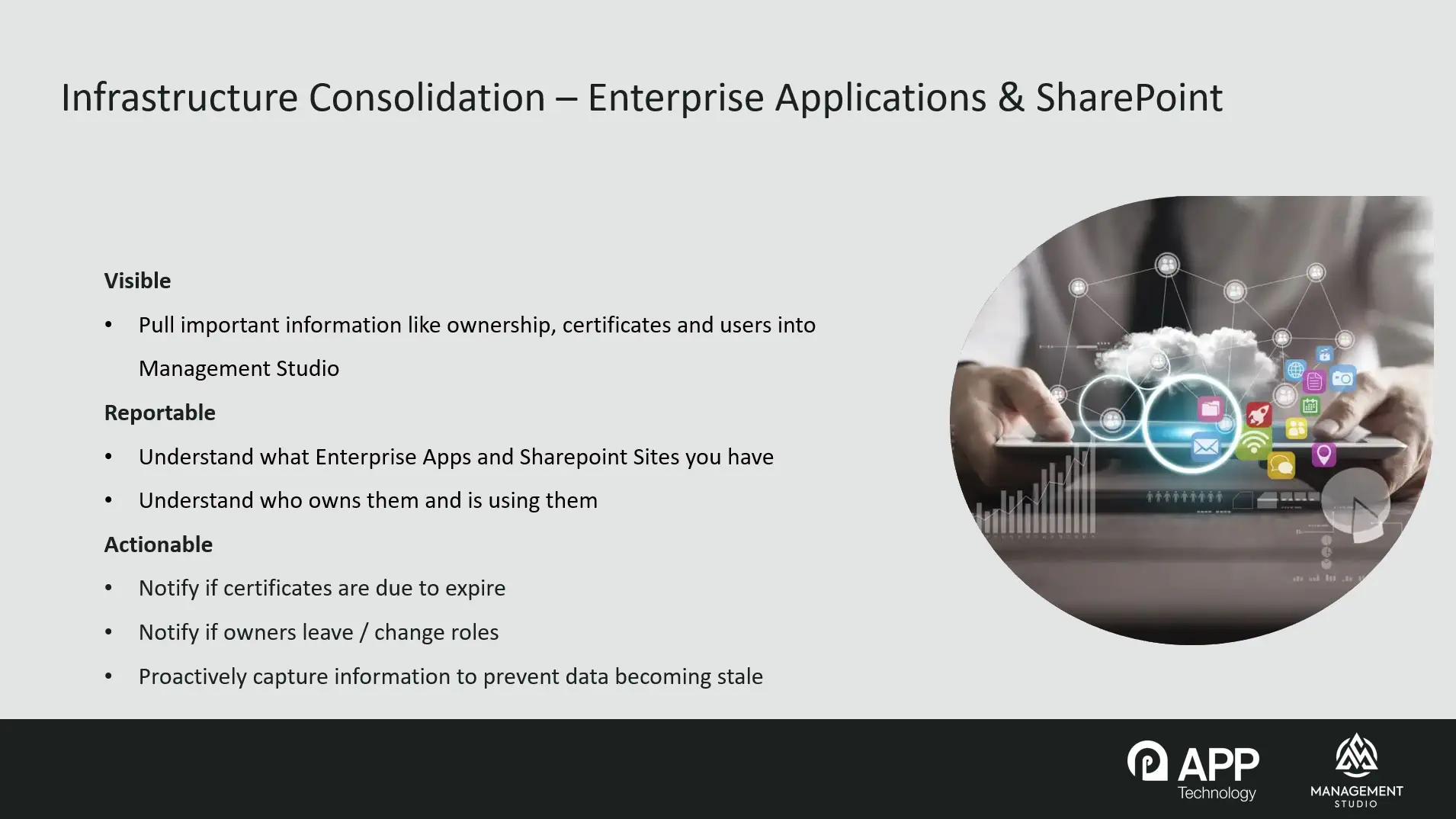
The information exists in the Azure portals, but it is hard to get a broad view across the estate: how many enterprise applications are out there, who owns them, who uses them, and how that breaks down by department or location.
Two examples stand out. First, certificates. In an organisation with tens or hundreds of enterprise applications, tracking certificate expiry dates is a real challenge. By pulling that data into ManagementStudio you get a straightforward, always accurate report, and you can build automation on top: notify the owner that a certificate is due to expire, then trigger the notification again if it has not been actioned, so nothing slips through the gap.
Second, ownership. The owner recorded on day one for a SharePoint site or enterprise application often goes stale when people leave or change roles. The same principle applies: identify stale ownership, flag it, and start automated processes to get it updated.
How does a consolidated view reduce application and licence costs?
Once you have visibility, you can make decisions based on evidence rather than guesswork. In organisations that have grown through acquisition, you can identify where the same application is deployed across multiple business functions and domains, where several applications perform essentially the same function, and where applications are simply no longer used. If three products do the same job in different parts of the organisation, there may be an opportunity to standardise on one, reducing both the application count and the number of licences you need to buy and maintain.
There are knock-on benefits beyond licensing. Fewer applications means fewer things to support, deploy and build into images, more straightforward patching and troubleshooting, and a smaller security compliance surface to manage. It also exposes risk: legacy applications still in use that you weren't aware of, unsupported software, and ownership that has gone stale.
Why does context matter so much?
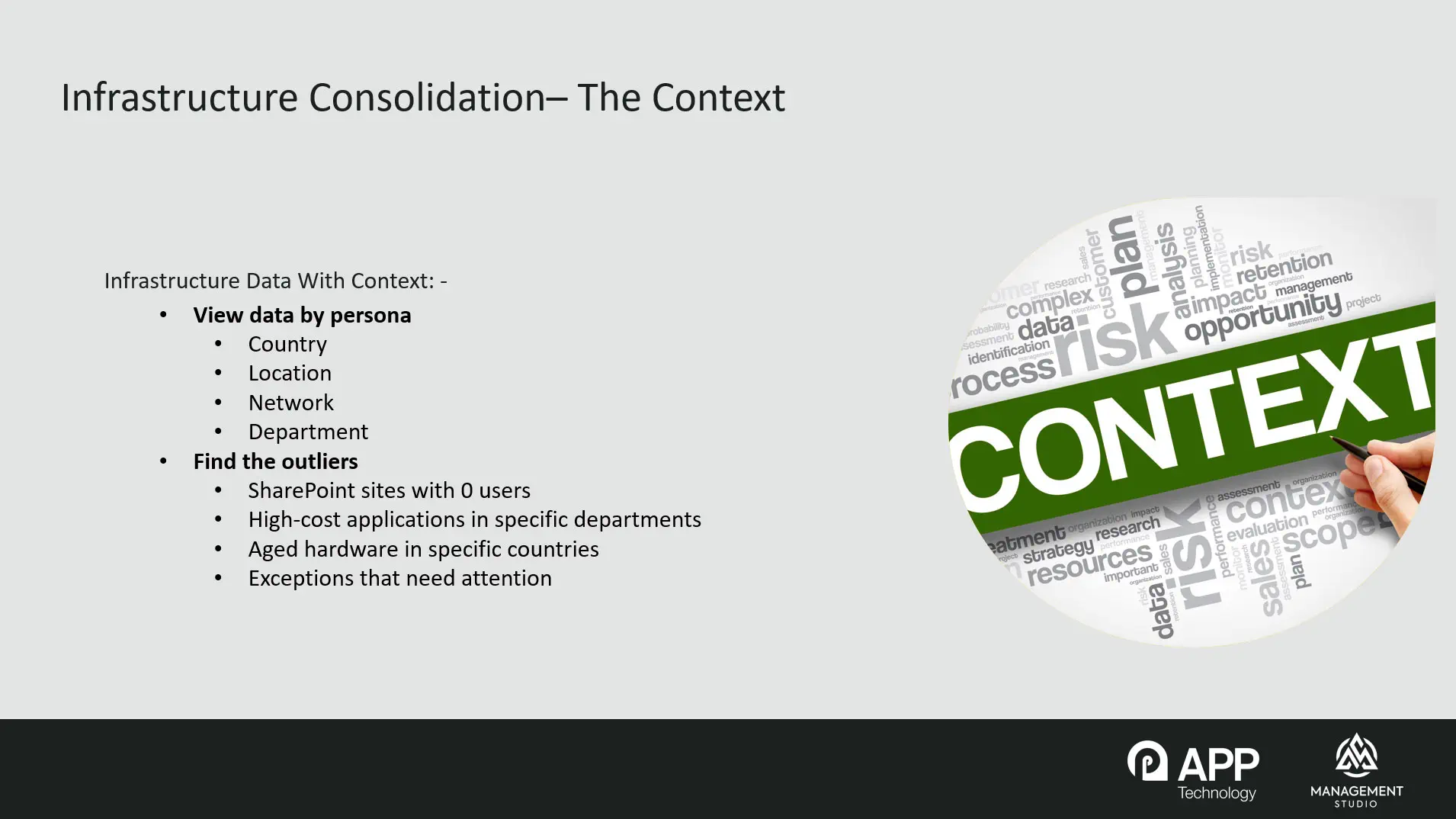
Because the goal is not just a bigger database. By attaching country, location, network and department to every device, application and SharePoint site, the consolidated view lets you find the outliers that actually matter: SharePoint sites with zero users that can be decommissioned, a high-cost application concentrated in a single department where alternatives could be explored, or a specific location with significantly more aged hardware where a refresh programme should be focused. You stop looking at what you have and start understanding what the data tells you about your estate.
How does application normalisation and rationalisation work across multiple infrastructures?
Vendors are inconsistent in how they name their own products, and version strings often mix words and numbers in ways that make comparison impossible. ManagementStudio's Asset Confidence Engine (ACE AI), which uses a degree of AI, suggests consistent naming and categories. In the demonstration, variants such as "Adobe Inc." and "Adobe Systems Incorporated" were normalised to a single vendor name in a few clicks, a task normally run as an automated background job.
ACE also harvests decisions made by other customers in an anonymised way: whether an application was marked in scope, out of scope, or rationalised, and even which platforms specific application versions have been seen running on, which helps answer whether an application is likely to work on a given Windows build. Those decisions feed confidence ratings; in the demonstration, the platform recommended rationalising every version of a PDF reader up to the latest release with 95% confidence. Settings control whether everything rolls up to the highest available version or just the highest release within each major version.
Crucially for consolidation projects, when versions are rationalised, all users of the older versions are forward-pathed to the surviving version. In the demonstration, the surviving record grew from 1,764 linked users to 3,002 as earlier versions were consolidated into it. The result is a "to-be register": not where the estate is today, but exactly who needs which application once the infrastructure has been consolidated.
What is the projection report, and how does it help plan a migration?
The projection report turns consolidated data into a forecast. You choose a target group, for example everyone in EMEA, around 800 people out of 5,000 in the demonstration database. Because the system knows who is in that group and which applications each person needs, it can calculate which applications to prepare first to make the most people ready soonest.
The output is a week-by-week chart: bars for each weekly sprint, a line showing how many people will be migration-ready by the end of each week (25 after week one, just over 200 after week two, around 412 after week three in the demo), and a crossover point showing when half the target group is ready. Switching to the applications tab for any given week lists the prioritised applications to get ready for that sprint. Stakeholders get a credible answer to "who can we migrate, and when", instead of discovering six months into a project that critical applications were missed or used by far more people than anyone thought.
What deployment and automation features support the consolidation itself?
Beyond the projection report, live readiness reports show actual rather than projected readiness, and built-in application testing speeds the route to deployment. When users are ready, they can be sent self-scheduling invitations to choose their own migration date, a feature virtually every customer uses. Migrations, rebuilds and application deployments can be triggered automatically, web portals give engineers a view of who is being migrated today and tomorrow with the ability to trigger tasks, and web-based dashboards provide progress charts, readiness views and drill-downs for stakeholders.
What should I watch for in the full recording?
The webinar includes a live walkthrough of the ManagementStudio interface, covering the consolidated user and application views, normalisation and rationalisation with ACE AI, the forward-pathing of users into a to-be register, and the projection report. Watch the recording embedded above for the complete demonstration.
If you have a specific challenge around complex estates or infrastructure consolidation, please get in touch directly. APPtechnology would be happy to talk it through.
This session was the final webinar in our series of four on future-proofing IT. If you missed the earlier sessions, the recordings are all available: mergers and acquisitions, Citrix and AVD, and software cost reduction through application estate optimisation.
How many sources of truth does your IT estate have?
Whether you're planning a merger, consolidating domains or just tired of spreadsheet exports, we'll assess your current estate free of charge and show you what a single view would surface.
Schedule a Free Assessment