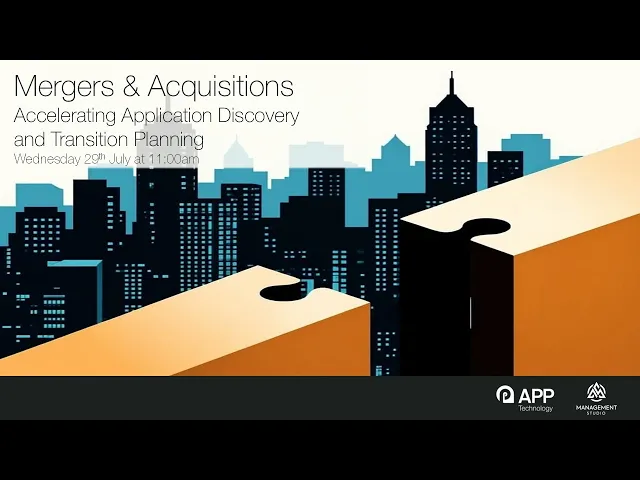
Mergers & Acquisitions: Accelerating Application Discovery and Transition Planning
IT integration is one of the least predictable parts of any merger or acquisition. The commercial deal is usually agreed long before anyone has an accurate picture of the applications, devices, and people that need to be brought together, and the integration deadline rarely moves to accommodate that gap.
In this webinar, I was joined by Ben Cook, senior product specialist at Management Studio, to walk through how infrastructure teams can get an evidence-based view of a combined estate quickly, and then turn that into a deliverable migration plan. Below are the key questions we answered. The full session, including Ben's live product demonstration, is available to watch right now, or you can scroll down for a summary of the key areas we've covered.
Why is IT integration so difficult during a merger or acquisition?
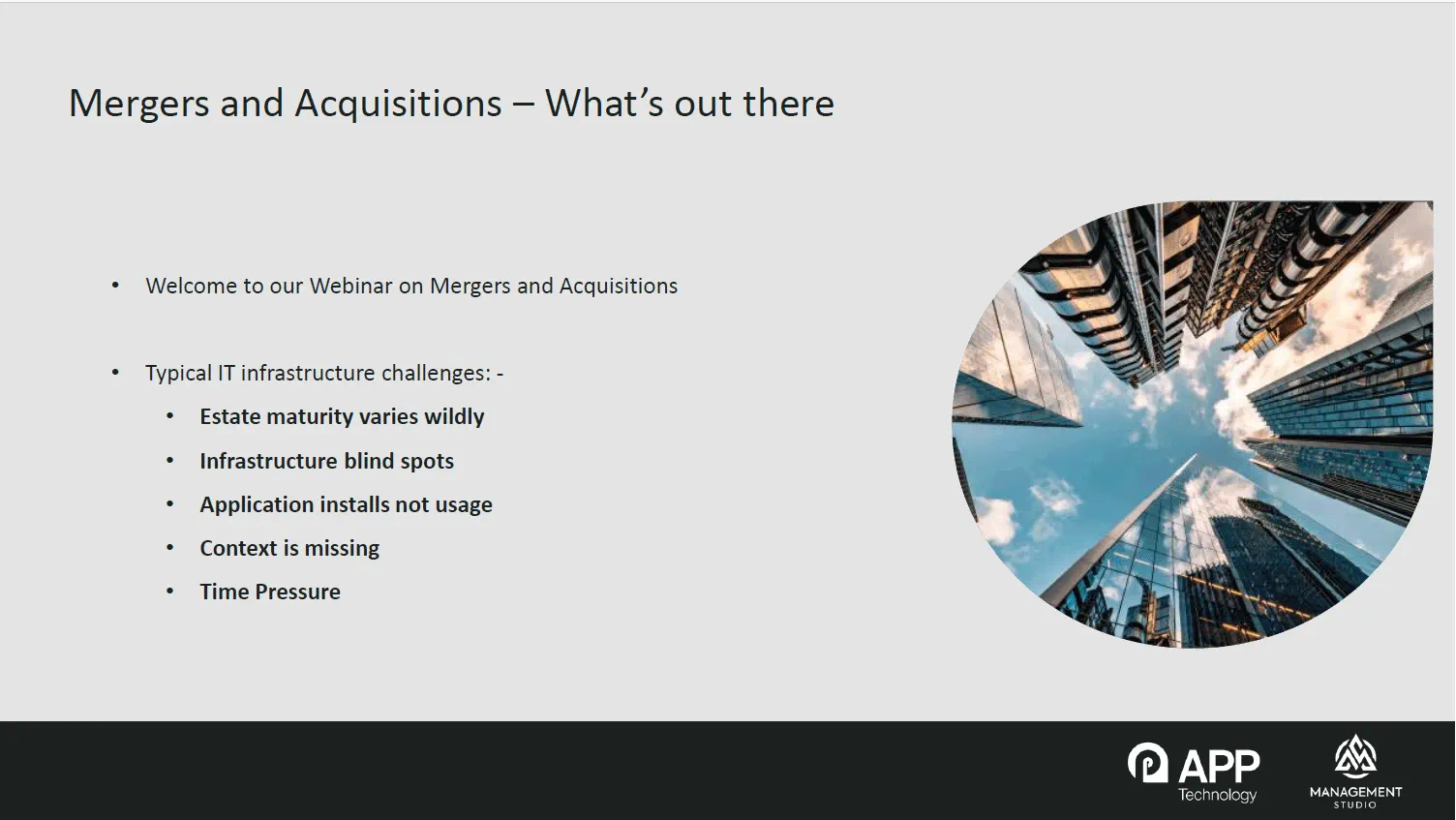
Because the estates being pulled together are almost never at the same level of maturity. On one side you might have a tightly governed environment running SCCM with strong processes around it. On the other, a sprawling and virtually unmanaged estate full of shadow IT. Most commonly you get a mixture of both, including well-managed estates with shadow IT hiding underneath. When the data behind those estates is assembled manually, you are left with visibility gaps, and you cannot assess risk, cost, or integration effort for anything you cannot see.
What is wrong with the application lists produced during IT due diligence?
They are usually long, and they usually lack context. A raw export from an inventory tool tells you what is installed, but not what is actually being used, who is using it, or how business-critical it is. It also produces significant version sprawl, sometimes hundreds of separate lines that all relate back to the same underlying piece of software, either because multiple versions genuinely exist or simply because of how the tool reports them. Making integration decisions from that list means guessing.
Why does user and location context matter more than a device inventory?
Because a list of machines and applications cannot be sequenced into a migration plan. What changes the conversation is being able to say that the finance office in Manchester runs a particular set of applications, rather than that machine X runs application Y. By combining Active Directory, HR systems, subnet mapping, and departmental data, an estate can be described in real human terms: by team, by site, by department, or by project. That is what allows integration to be planned around business function rather than around asset tags.
How do you get visibility across multiple separate infrastructures?
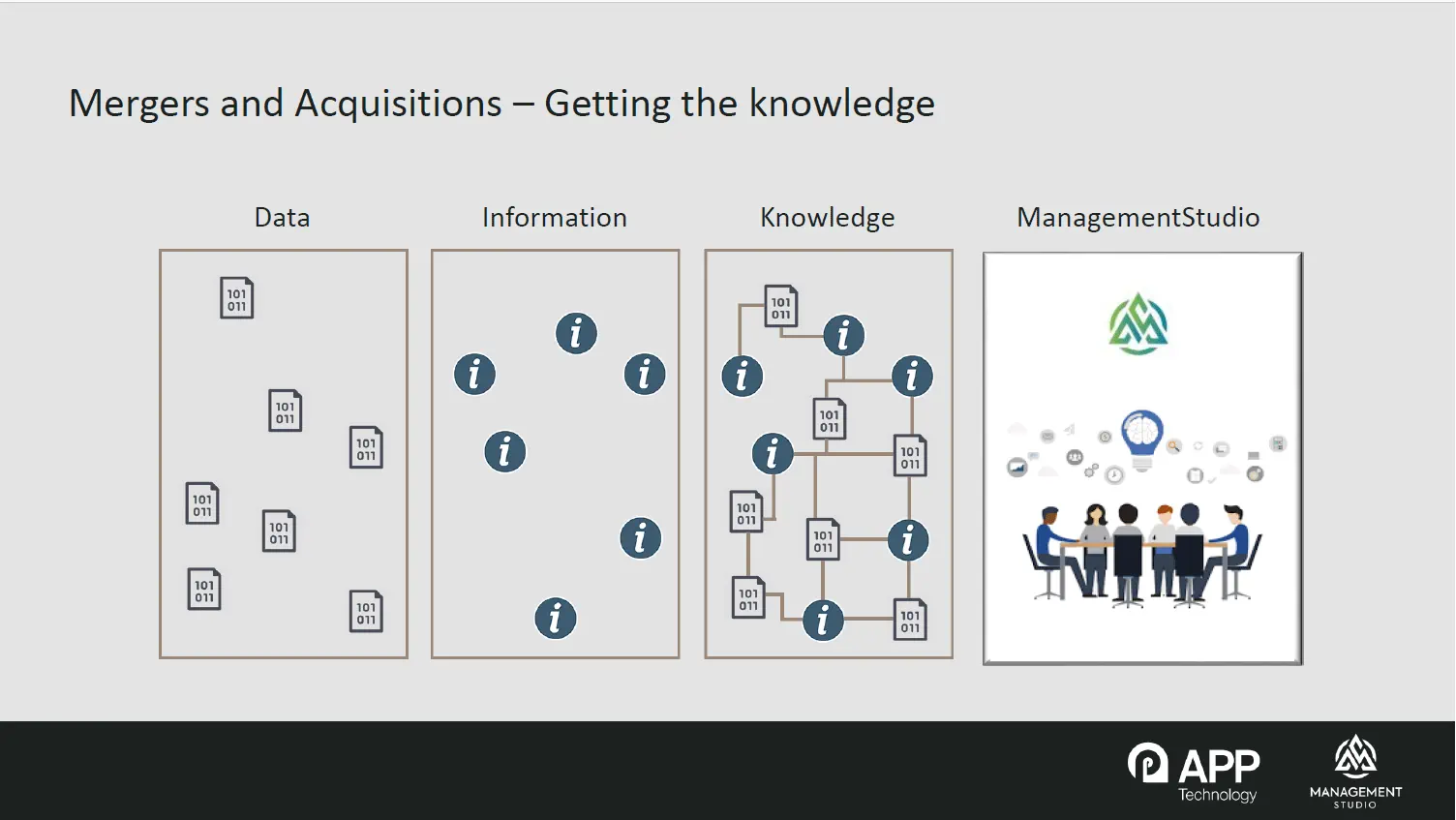
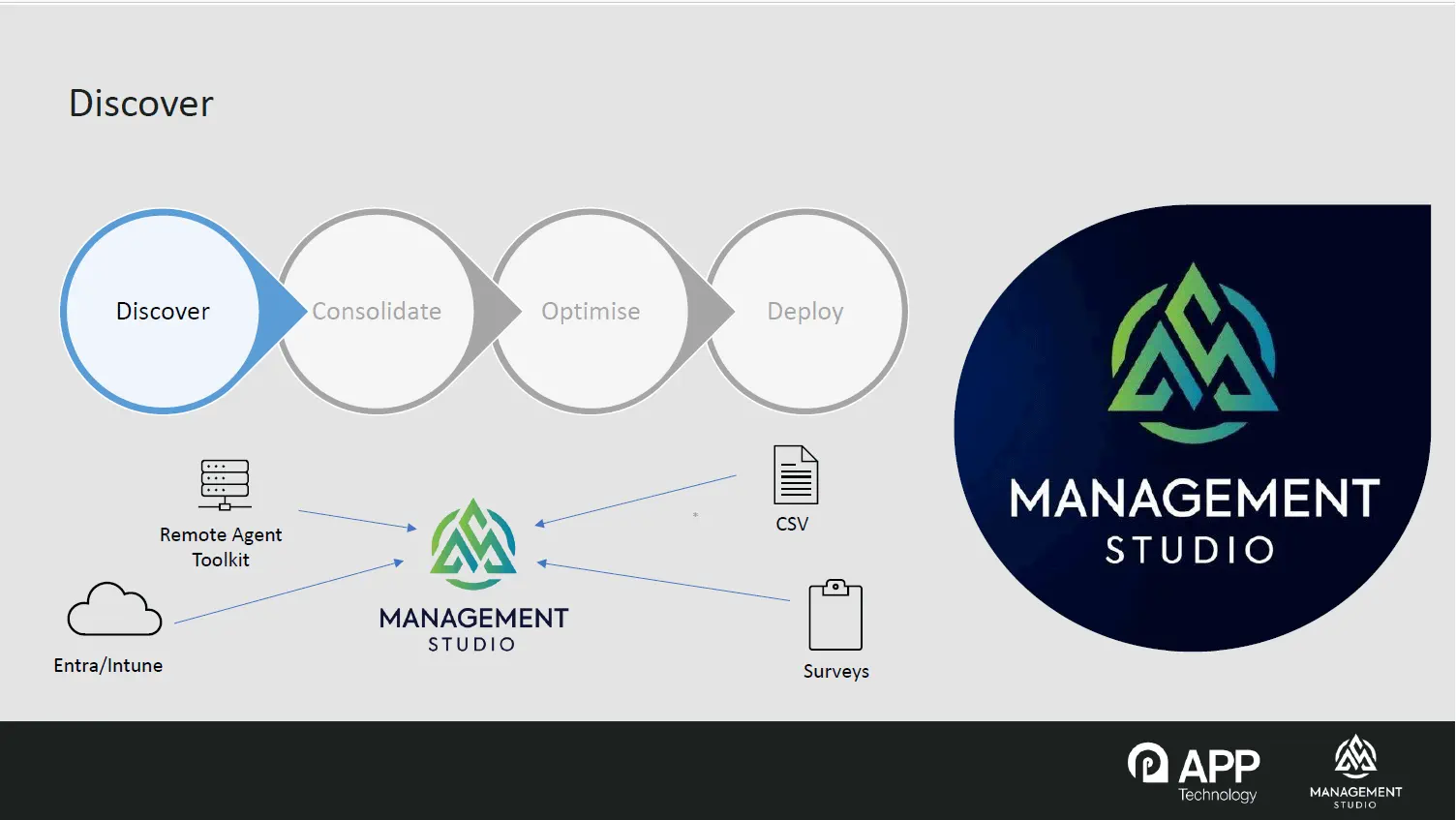
You feed them all into a single central instance. Management Studio is deployed centrally, either in the cloud or on premises, and each merging organisation runs a Remote Agent Toolkit at their own site. It requires no installation, and it triggers connectors that reach into on-premises systems such as Active Directory, SCCM, and other inventory sources, then pass that data back to the central instance. Cloud services such as Entra and Intune feed in directly, and HR data supplied as Excel or CSV can be ingested automatically on an ongoing basis. The result is one dataset covering every organisation involved, without spreadsheets being emailed between teams.
What do you do about the parts of the estate where data is poor?
You ask. Surveys are hosted on a web portal, and users receive an email, click through, and complete them, with the responses flowing straight back into the central dataset. They serve two purposes during M&A. They validate what discovery has already found, and they capture things no inventory tool can tell you, such as which applications a given user base considers business-critical. In practice, this is how the last gaps in the picture get closed.
How do you reconcile application data coming from several different organisations?
Through normalisation. Software vendors are inconsistent in how they name themselves, and when you merge inventories from multiple businesses, those inconsistencies multiply. The Asset Confidence Engine (ACE) applies consistent vendor, product, and version naming automatically, and can convert version identifiers into pure numeric values so that versions can be genuinely compared. In the demonstration, several variations of the same vendor name were standardised in a few clicks. On a live project this runs as a scheduled background task, hourly or daily, so incoming data is cleaned as it arrives.
What is application rationalisation, and how far can it reduce an estate?
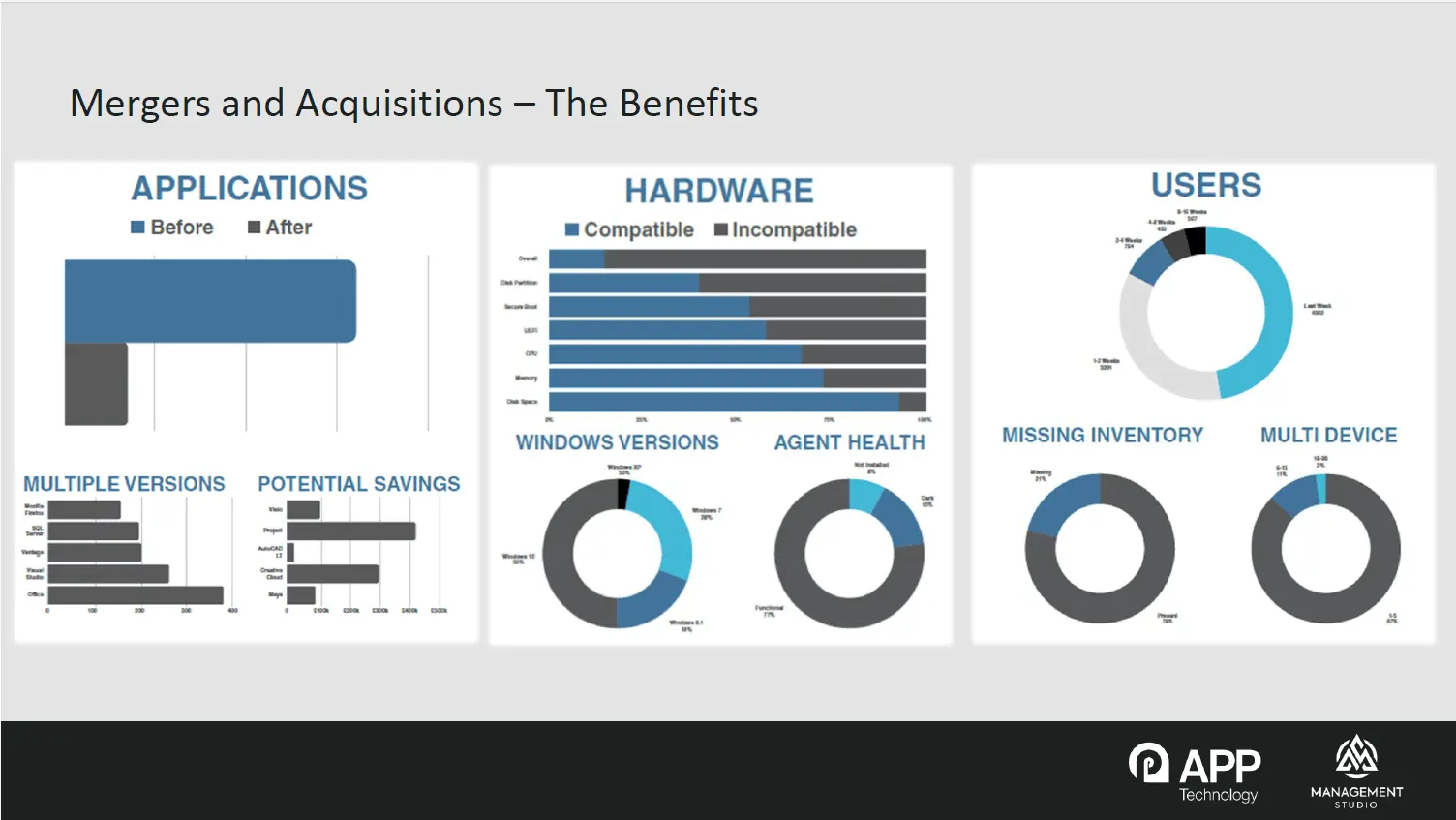
Application rationalisation means collapsing every scattered version of an application down to a single supported version, and deciding which products survive where two organisations have overlapping tooling. This is where the strategic decisions get made: if both sides of the merger have a different PDF editor, for example, this is the point at which the combined business picks one. ACE supports those decisions with confidence ratings drawn from anonymised choices made by other organisations, so a recommendation carrying a 95% confidence rating tells you the overwhelming majority of comparable customers made the same call. We typically see application counts fall by around 70%, leaving roughly 30% of the original number under management.
What happens to the users attached to the older versions?
They are carried forward automatically. When several versions are rationalised down to one, every user linked to the earlier versions is forward-pathed onto the surviving version, which is then marked as accepted. In the demonstration, a version showing 1,764 users ended up with just over 3,000 once the earlier versions were rolled into it. This matters enormously for delivery, because it means that by the time you come to deploy, you already know precisely who needs each application, rather than working it out later.
How do you decide which applications to package first?
Using a projection report. Rather than working through the application list alphabetically or by vendor, the projection report calculates which applications, packaged in which order, will make the largest number of people migration-ready fastest. You set an assumed delivery rate, for example 25 applications per week, and a forecast window, and it produces a week-by-week work plan showing which specific applications the packaging team should target and how many users become ready as a result. In the worked example, 75 applications delivered roughly half of an 800-person regional population ready to migrate.
How do you track whether people are actually ready to move?
With readiness reporting. The projection report is the forecast, and the readiness report is the live position: who can we migrate today? It can be presented as a RAG report at individual user level, showing each person's required applications and how many are live, and it aggregates by department, location, or deployment unit. That lets you identify which part of the business is furthest ahead and should therefore migrate first, based on real packaging progress rather than the original plan. Deployment units can also carry non-application dependencies, so a site only turns green once the networking work, the devices, and the applications are all complete.
Does this help with hardware and licensing risk as well?
Yes, on both counts. Because device data comes in alongside application and user data, you can identify ageing hardware, machines that will not support current operating systems, and increasingly, machines that lack the specification needed for AI platforms. On licensing, a consolidated view of a combined estate makes duplicate, unused, and overlapping licences immediately visible, and that is usually one of the fastest measurable savings available in an integration programme. Fewer applications also means fewer things to patch, which strengthens patch compliance and makes Cyber Essentials Plus certification easier to maintain afterwards.
What is covered in the full recording?
The recording includes Ben's complete walkthrough of the platform, covering the pending applications triage queue, ACE normalisation and rationalisation in action, the projection and readiness reports, deployment units, user self-scheduling, the engineer's portal, and the dashboards used for CIO-level reporting. Watch the embedded video below for the full demonstration.
Is an acquisition imminent?
If you are working through an acquisition now, or expecting one, we can arrange a free assessment of your estate. Our next session covers infrastructure transformation specifically, including SCCM to Intune, Citrix to AVD, and Active Directory to Entra migrations.
Find Out More